

 
|

|
Denied Expense Reports
If a submitted expense report is denied by the approver(s) or auditor(s), it appears under the Denied tab. The following options are available for denied reports:
-
Correct the report and re-submit the report for approval. See Editing Open Expense Reports.
-
Delete the report. See Deleting Expense Reports.
Viewing Denied Expense Reports
To view an expense report that has been denied:
-
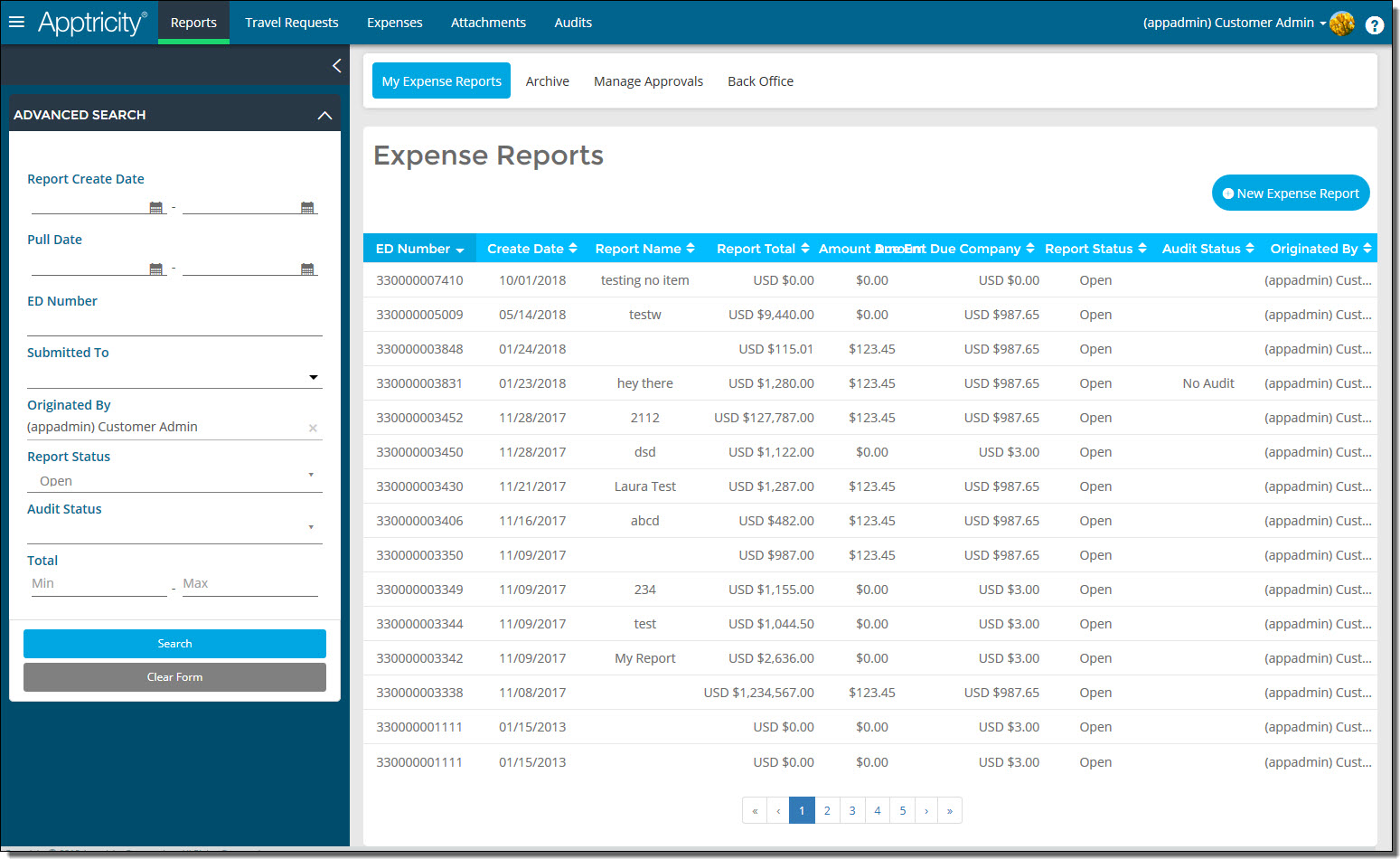
Click Reports in the navigation bar. The Expense Reports page is displayed.
-
In the Advanced Search box, search for reports with a report status of Denied. The list of submitted requests is displayed.
-
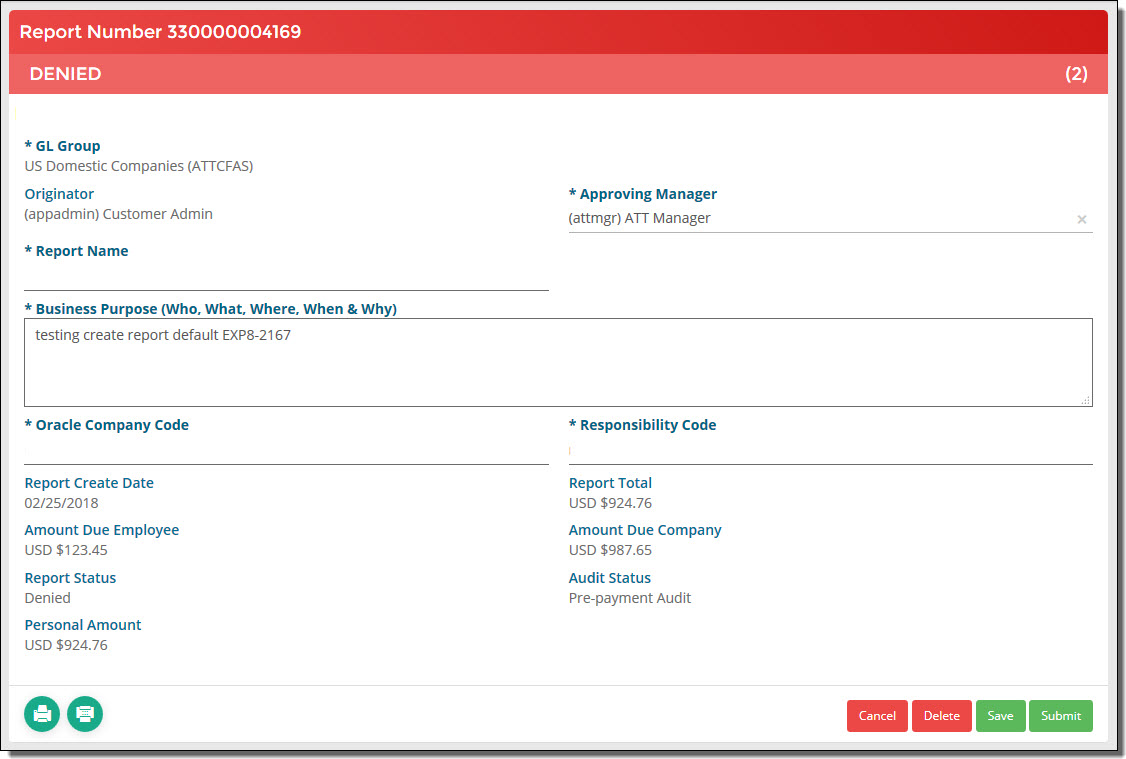
Double-click the denied expense report that you want to view. The report details are displayed.
-
Click Cancel when you are finished.