

 
|

|
Editing Open Expense Reports
To edit an existing expense report:
-
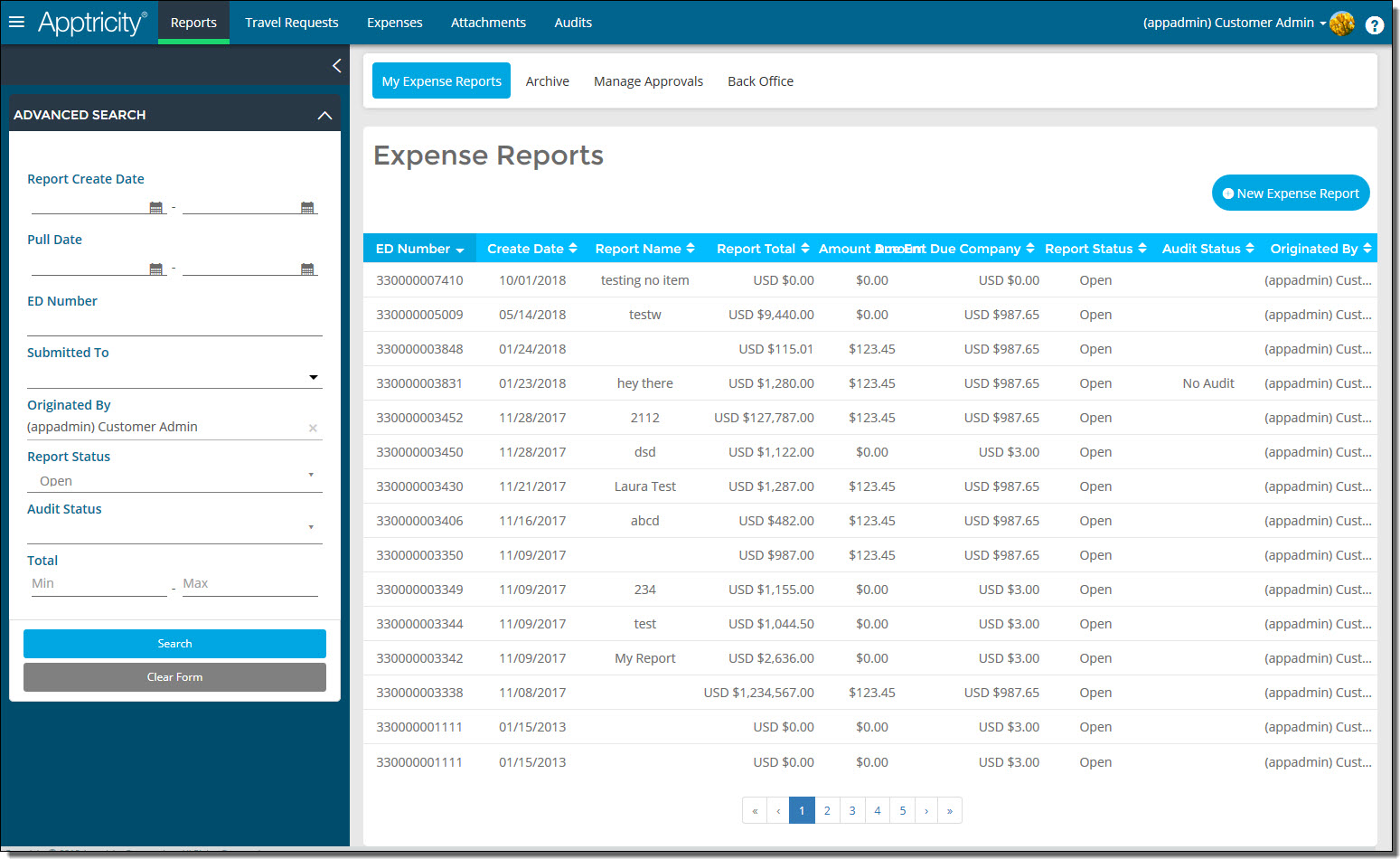
Click Reports in the navigation bar. The Expense Reports page is displayed.
-
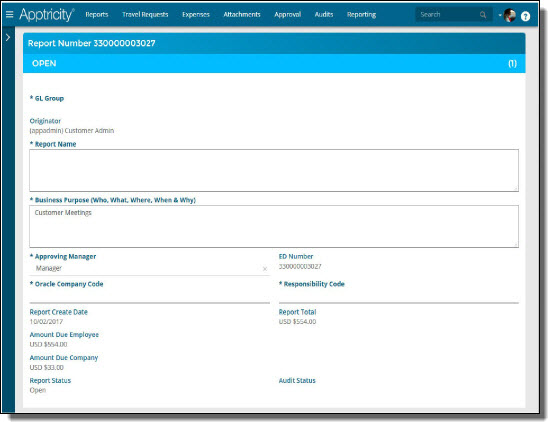
Under Open reports, double-click the expense report you want to edit.
-
Make any necessary changes to the report:
-
Add expenses to the report. See Adding New Expenses to a Report.
-
Add unassigned expenses to the report. See Adding Existing Unassigned Expenses to a Report.
-
Add an attachment to the report, such as a receipt. See Adding Attachments to a Report.
-
Add an approved travel request to the report. See Adding Travel Requests to a Report.
-
Add a note to the report. See Adding Notes to a Report.
-
Click Save or Submit when you are finished.