

 
|

|
Recalling Submitted Expense Reports
If you have submitted a report that is incomplete or incorrect, you can recall it. Only an expense report that has been submitted — but not approved — may be recalled.
To recall an expense report after it has been submitted for approval:
-
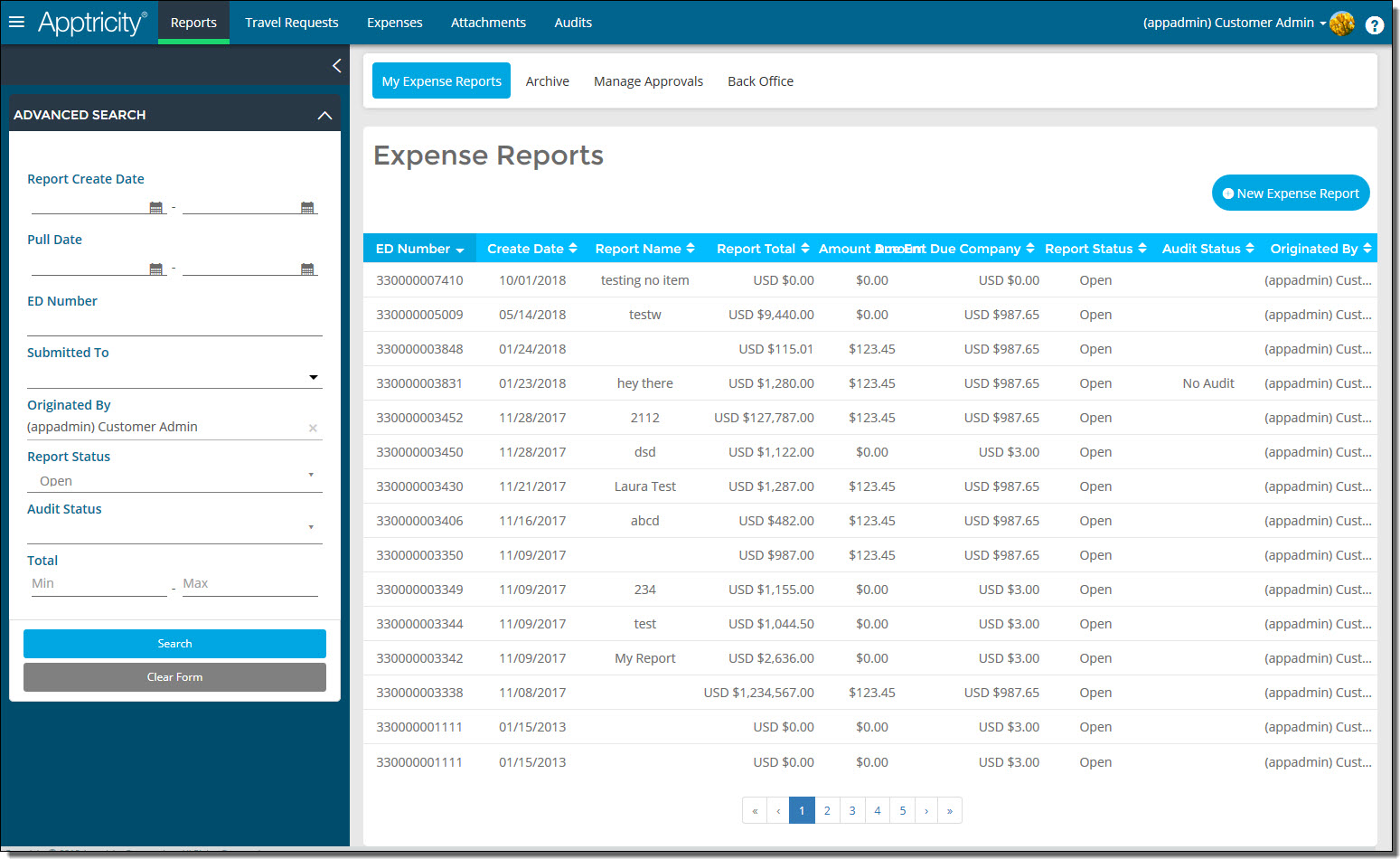
Click Reports in the navigation bar. The Expense Reports page is displayed.
-
In the Advanced Search box, search for reports with a report status of Submitted. The list of submitted requests is displayed.
-
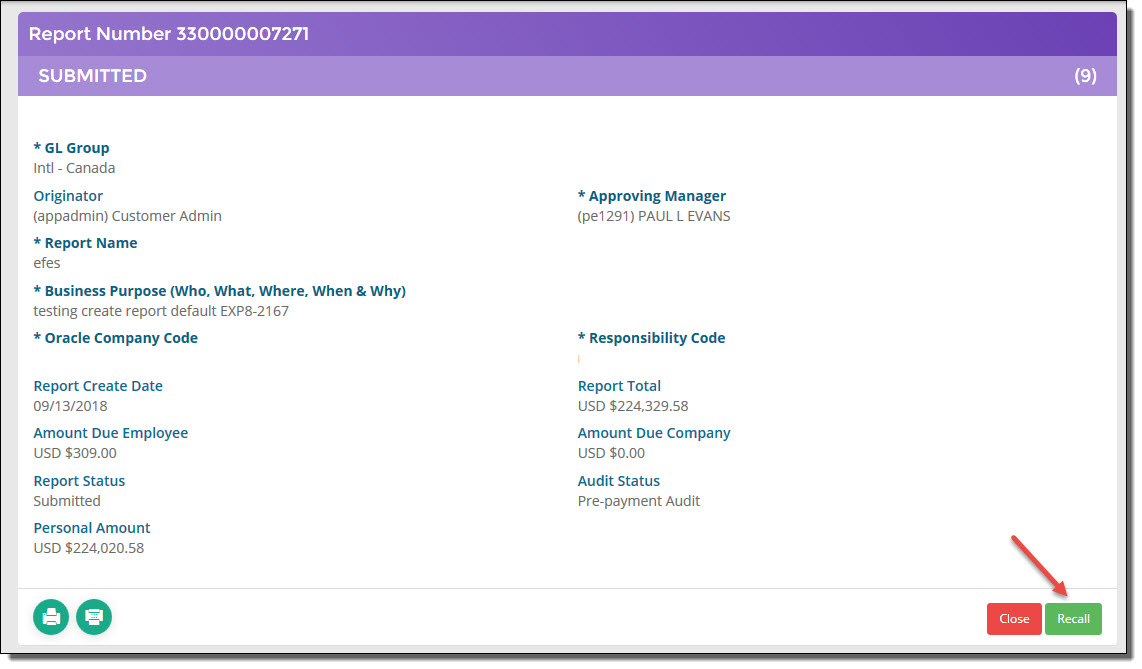
Double-click the submitted report that you want to recall. The report details are displayed.
-
Click Recall. The report is removed from the list of submitted requests and now appears in your list of open reports.