Deleting Expense
Reports
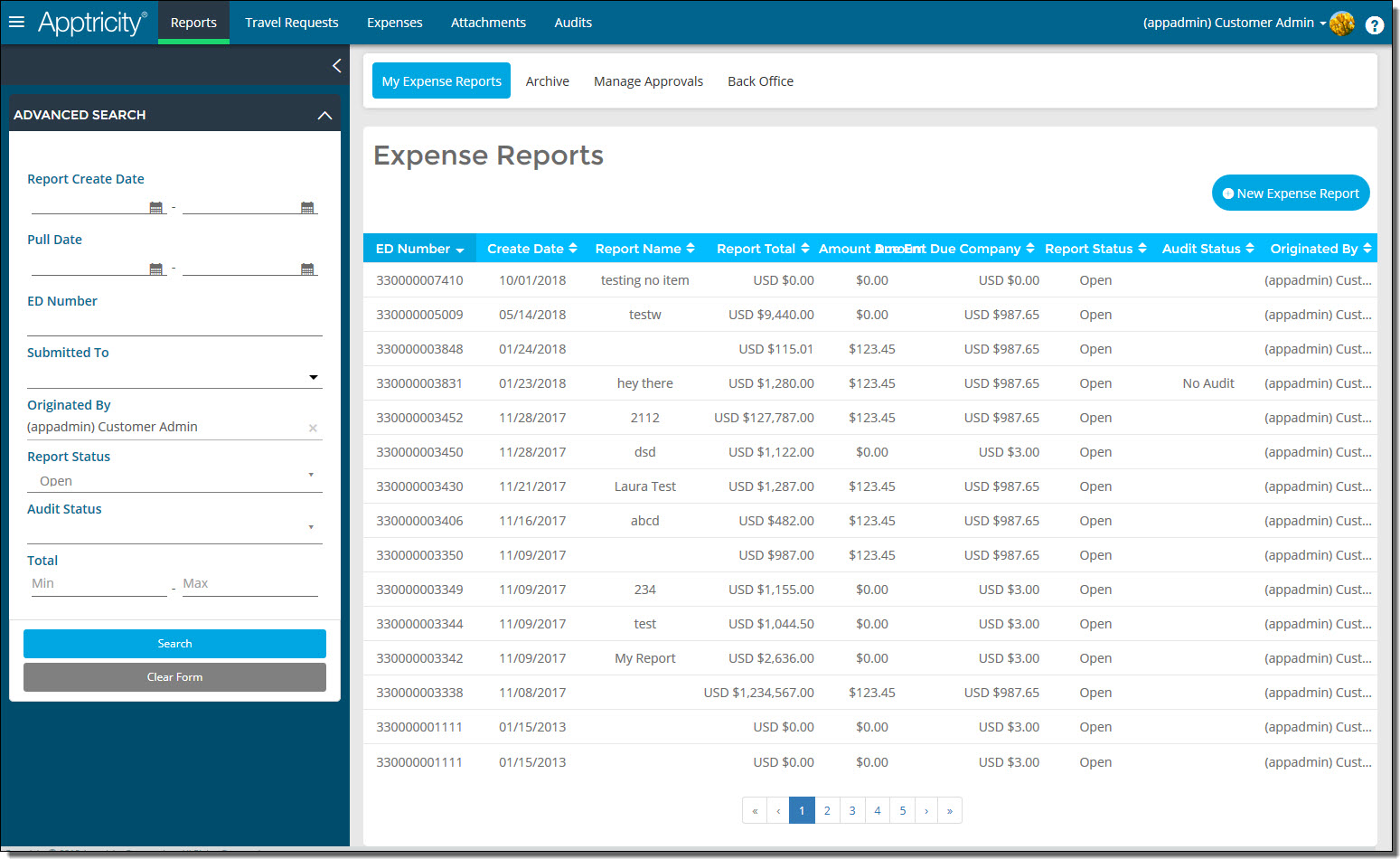
To delete an expense report:
-
Click Reports in
the navigation bar. The Expense
Reports page is displayed.
-
Double-click
the report that you want to delete. The report details are displayed.
-
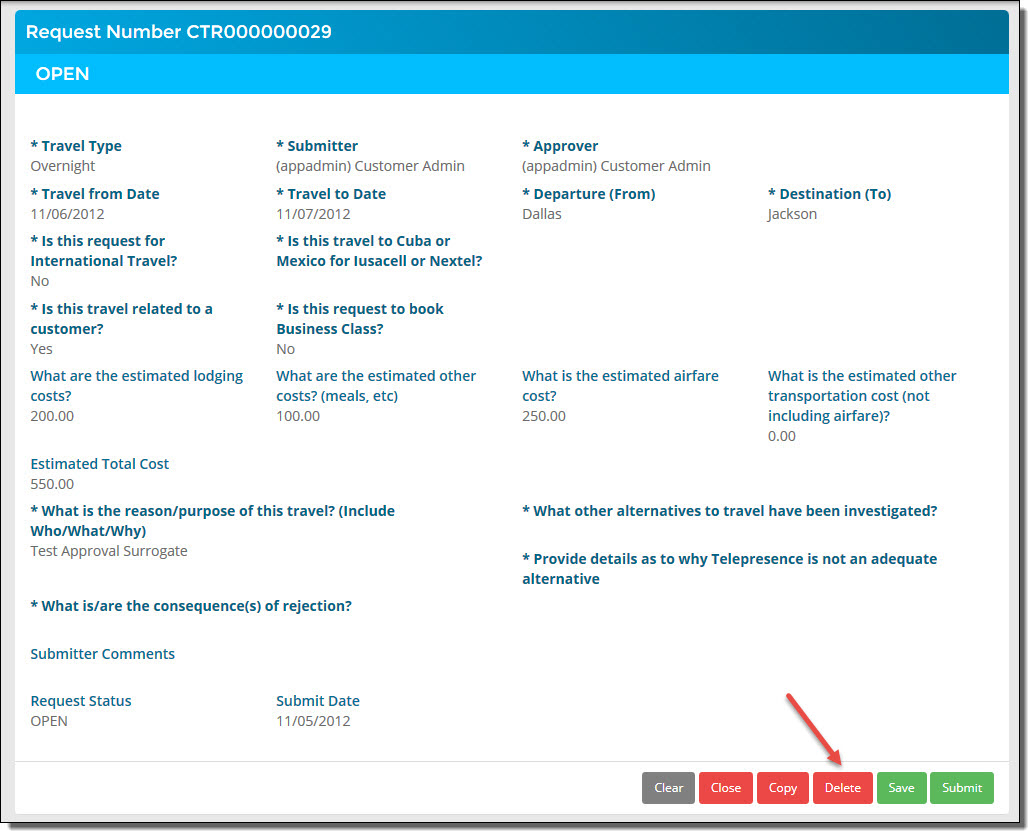
Click
Delete.
-
A confirmation
message appears in the lower-right corner of the page.
Related Topics