

 
|

|
Submitted Expense Reports
You can view the reports that you have submitted for approval, but have not been through the approval process (approved or denied). You can also open and review submitted reports. However, you cannot edit a submitted report without first recalling the report.
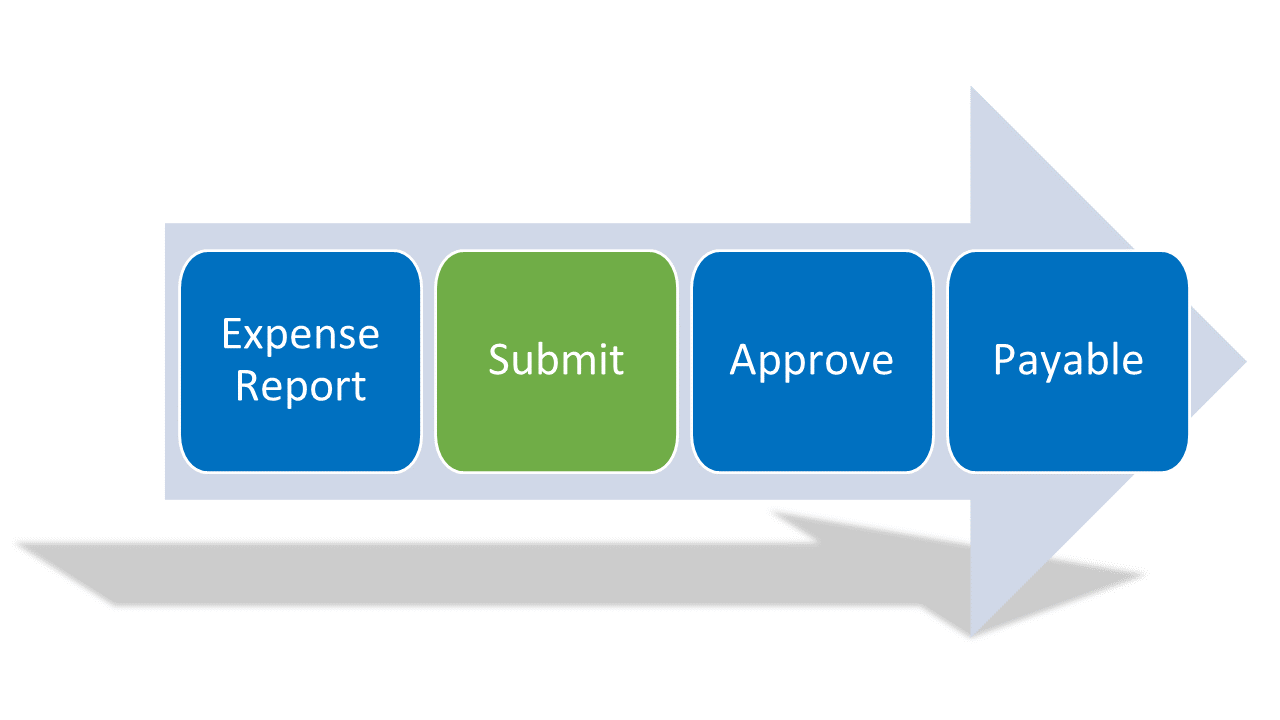
Viewing Submitted Reports
To view a submitted expense report:
-
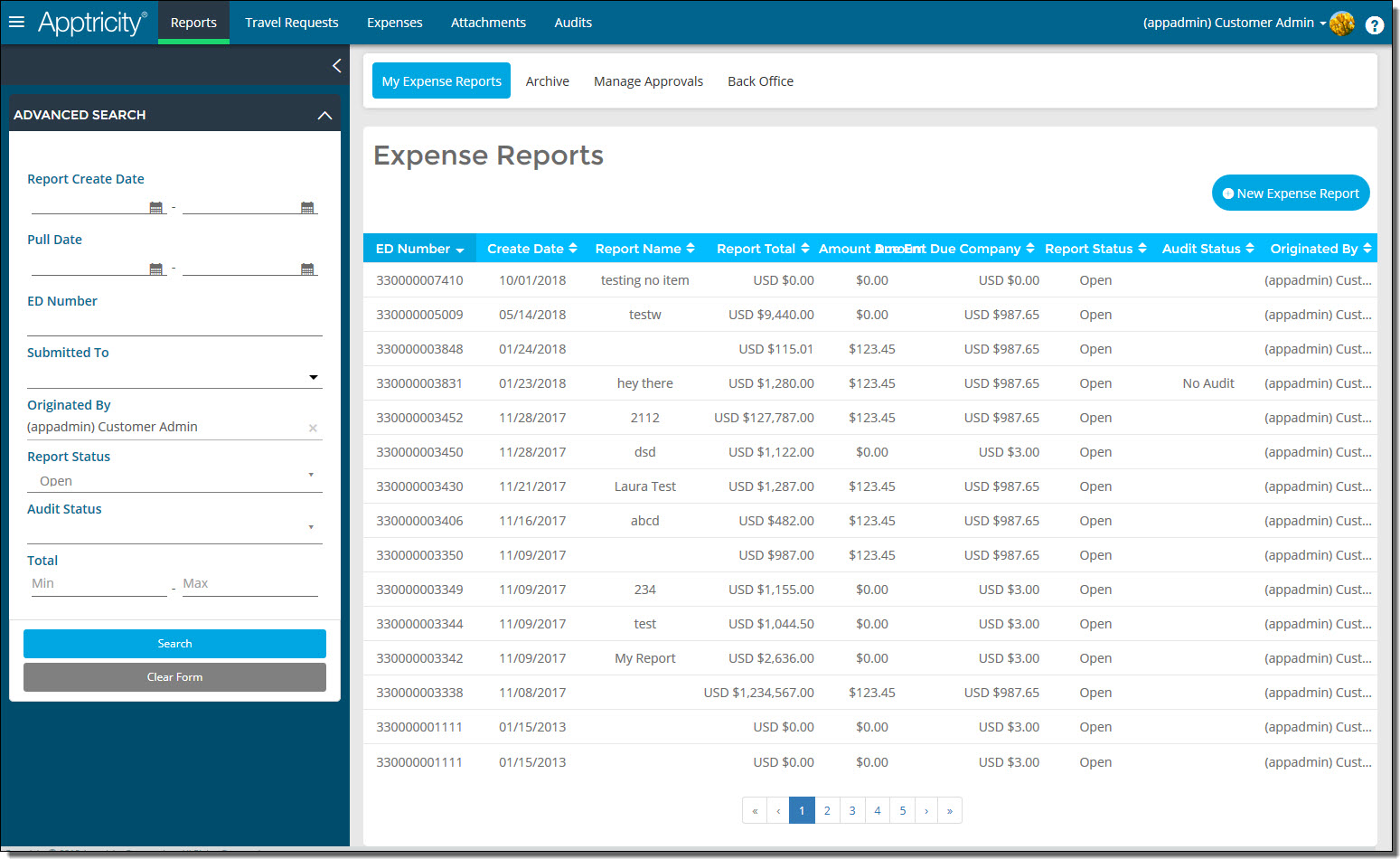
Click Reports in the navigation bar. The Expense Reports page is displayed.
-
In the Advanced Search box, search for reports with a report status of Submitted. The list of submitted requests is displayed.
-
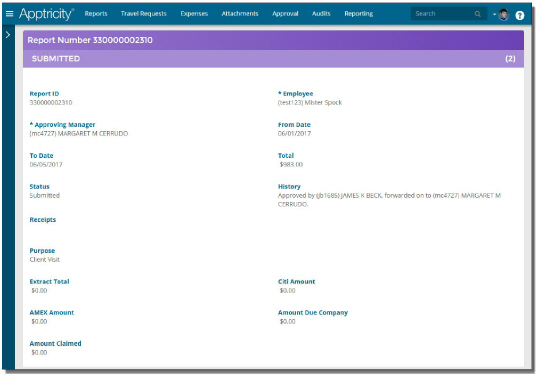
Double-click the submitted expense report that you want to view. The report details are displayed.
-
Click Cancel when you are finished.