


|

|
Viewing Open Expense Reports
An “open” expense report is a report that has been created and saved, but not submitted for approval. You can continue to edit a report as long as it remains in the “open” status.
To view an existing open expense report:
-
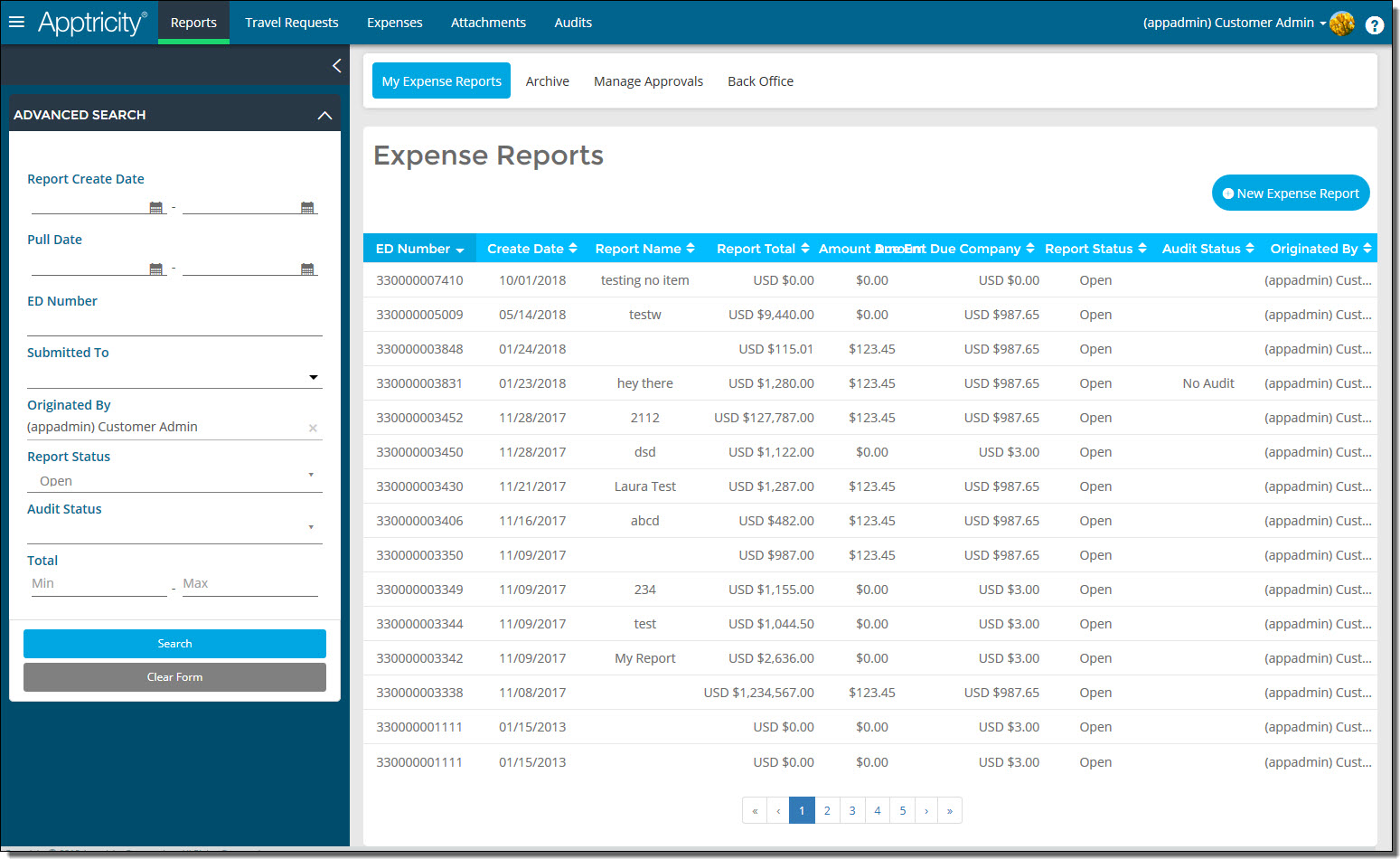
Click Reports in the navigation bar. The Expense Reports page is displayed.
-
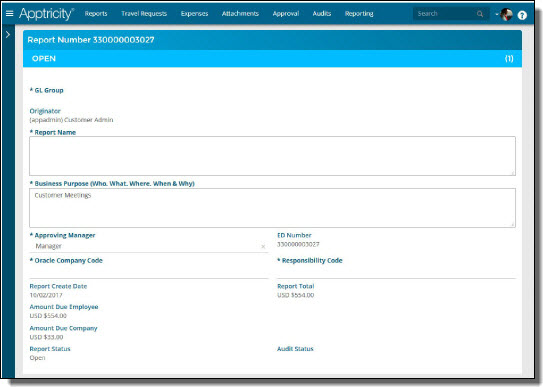
Under My Expense Reports, double-click the expense report you want to view. The report is displayed in the work area.
-
Click Cancel when you are finished.