
 
|

|
Data Searches
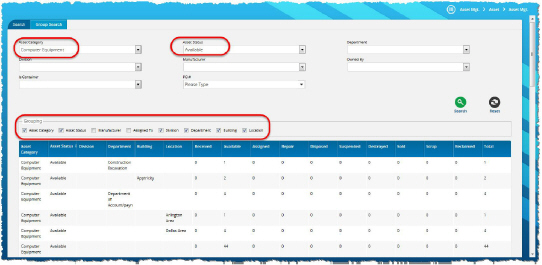
Many application screens provide a panel to search for a record, so that you can either view or edit the information. To make it easier for you to quickly locate the records you need, your application provides the following options for searching. You can leave all search fields empty, provided that none of the fields are required.
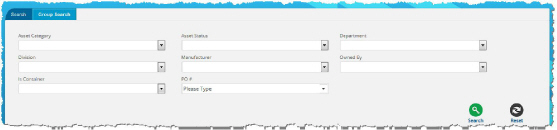
If you search without entering any criteria, it can take the application a long time to return search results. Without any criteria to narrow the search, the application displays all records in the application. You can enter search criteria in one or more of the search panel fields.
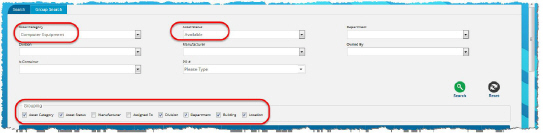
The application displays the results that match the criteria in the search fields.