|
Apptricity Expense Help |
|
Apptricity Expense Help |

|


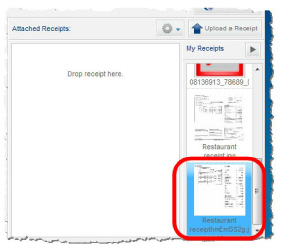
If a receipt is too large, or has information you don’t need for your report, you can crop the receipt.
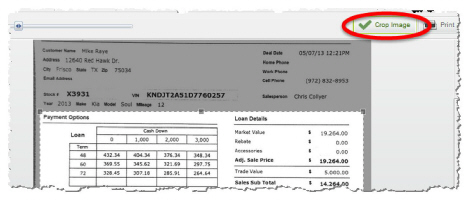
Double-click the receipt in the My Receipts pane to reveal the Image Editor window, as seen in the image below.
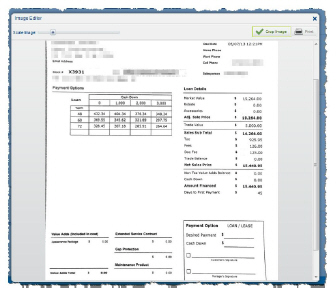
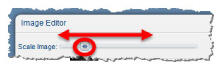
Click and drag the slider beside Scale Image to zoom in or zoom out of the receipt.
Move your cursor over the receipt image until turns into cross-hairs.
Drag the cross-hair cursor across the image to draw a crop box, then release.
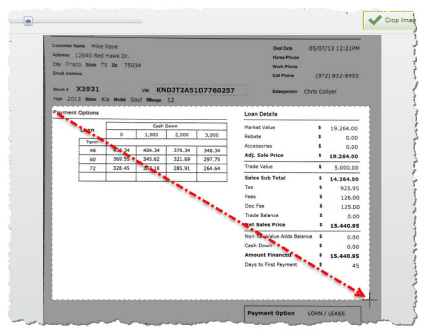
Click Crop Image in the upper-right corner of the Image Editor window.
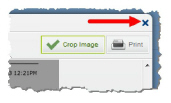
Click the blue x in the same corner to close the Image Editor window.
The edited image appears in the My Receipts pane.